Over Crew sokken
Aangeboden door
Over dit ontwerp
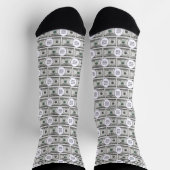
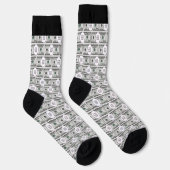
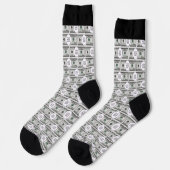
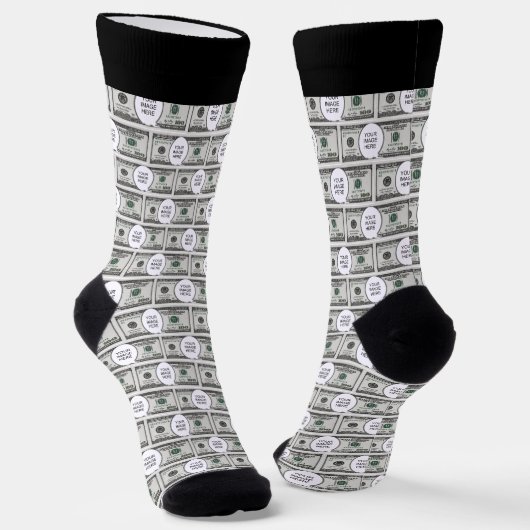
Tile Design With Your Image On 100 Dollar Images Sokken
Socks featuring a design made of 100 dollar bills carrying your image of choice. Suitable for fun. To insert your image follow these steps:
1. Choose the "Edit using design" button to go the editing section.
2. Choose "Layers" option on the left menu panel.
3. Select the layer containing the dollar bill and "Your Image Here"
4. Choose the "Ungroup" icon from the menu panel that appears at the screen
top.
5. Select the "Your Image Here" layer from the "Layers" panel.
6. Choose "Change Image" from the menu panel that appears at the screen top.
7. Upload your image, drag to position it as required, and resize it, using the
"Scale" option under the "Formatting" menu.
8. While the image layer is selected, hold down the Shift key and select the
dollar layer so that both layers are selected.
9. Choose the "Group" icon on the top menu panel to group the layers.
10. To create the pattern, choose "Effects" on the top menu panel, then choose
"Half Brick" under "Tiling" on the "Image Effects" Panel.
11. To resize the components of the pattern, use the tools under "Tile Size"
below. Around 6.1 width and 2.65 height were used for the design.
12. To do the back of the product, make sure the layer is selected on the Layers
panel, then copy it.
13. Select the icon on the right for the back of the product, delete the current
design, and then paste the copied design.
14. Follow the instructions on the top-right button to checkout.
Klant beoordelingen
Er zijn nog geen reviews voor dit product.Heb je dit product gekocht?
Tags
Andere Info
Product ID: 256385658018712840
Ontworpen op: 22-2-2026 5:54
Rating: G
Recent bekeken items